0

May 5, 2026
AI Can Fix Your Workflow—or Break It in Seconds
By: Center For Accounting Transformation / podcast
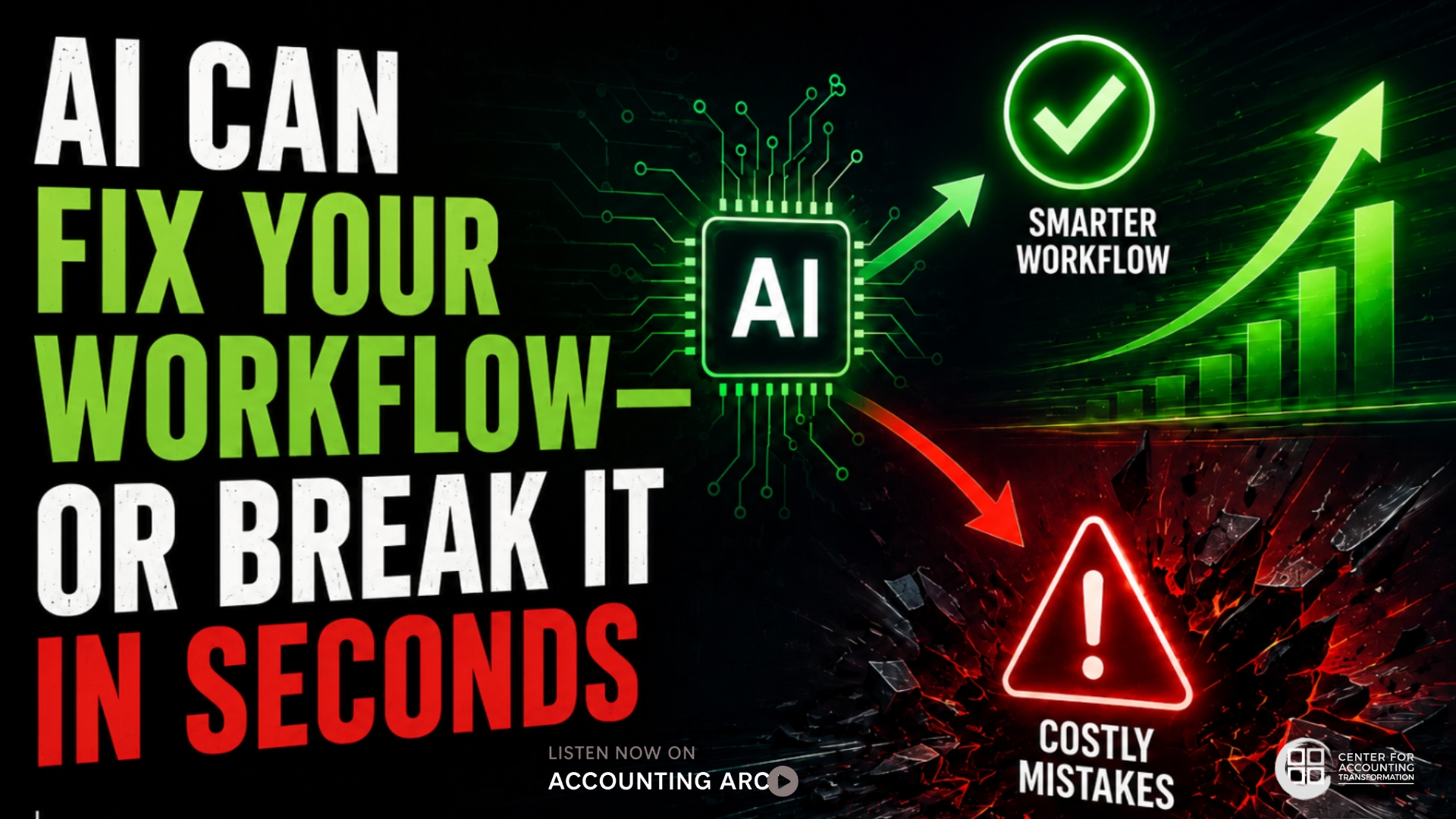
Deliberate experimentation can unlock value—without creating costly mistakes.
Artificial intelligence is moving fast—fast enough that even the people experimenting with it daily admit they’re still figuring it out in real time. On the latest episode of Accounting ARC, Byron Patrick, CPA.CITP, and Liz Mason, CPA, take listeners inside that reality: a profession eager to unlock AI-driven efficiency, but still learning how to manage the risks that come with it.
The conversation centers on a deceptively simple idea—just because AI can do something doesn’t mean it should. And in accounting, the consequences of getting that wrong can be immediate.
Speed without safeguards
The discussion begins with a practical example: integrating AI tools like Claude into everyday workflows, particularly in systems such as QuickBooks or Excel.
What makes these tools powerful is also what makes them risky.
“They’re designed to remove friction,” explains Patrick, senior product manager for Karbon and co-founder and part-time educator for TB Academy. He notes that AI systems are often built to say “yes” and execute tasks quickly—sometimes faster than users fully understand what they’ve approved.
That design can create a dangerous gap between intention and outcome. A simple prompt or permission approval could trigger sweeping actions—like generating thousands of entries in a live accounting system—before the user realizes what’s happening.
For professionals trained in precision and control, that introduces a new kind of vulnerability. Mason, CEO of High Rock Accounting, frames the issue through a familiar lens: most accountants were never trained in IT infrastructure or system permissions. That lack of technical grounding can lead to decisions that feel routine—but carry significant consequences.
The missing IT mindset
Both hosts point to a key differentiator: their experience working on both the accounting and technology sides of the profession. That dual perspective shapes how they approach AI.
In traditional IT environments, Mason says, testing never happens in live systems. New processes are built, tested, and refined in sandbox environments before touching real data. AI tools, however, often operate directly on live environments—unless users deliberately create safeguards. That shift requires a new mindset.
“Preserve the core data set,” Mason emphasizes, describing her own workflow of duplicating files and creating version-controlled backups before letting AI tools run. It’s a simple habit—but one many accountants haven’t yet adopted.
“Measure twice, cut once”
Patrick distills the approach into a familiar principle: slow down before you automate. “Measure twice, cut once,” he says, urging users to understand what AI systems plan to do before allowing them to take action.
That includes asking for a step-by-step plan, verifying instructions, and avoiding the instinct to click “yes” on every permission request. It also means recognizing a new reality: not every action has an undo button. In many AI-driven workflows, mistakes aren’t easily reversible. That raises the stakes for getting instructions—and permissions—right the first time.
Learning through failure
Despite the risks, neither Mason nor Patrick advocates holding back. Instead, they argue that experimentation is essential—but it needs to happen in controlled environments.
“There’s no shortcut,” Patrick says. “You have to spend the time working with these systems.”
That learning curve includes trial and error—often a lot of it. Poorly written prompts, ambiguous instructions, and misunderstood outputs are part of the process. In fact, Patrick estimates that the majority of early attempts with AI tools fail to produce the intended result. But those failures build the judgment professionals need to use AI effectively.
The power—and limits—of automation
Where AI does shine is in areas that were previously difficult to automate. Mason highlights “gray area” tasks—like interpreting unstructured data or extracting insights from emails—as a breakthrough capability. These “squishy steps,” as Patrick describes them, have long been bottlenecks in automation workflows. Now, AI can handle them with a level of reliability that rivals—or even exceeds—human performance in some cases.
That shift opens the door to significant efficiency gains, from financial modeling in Excel to automated data extraction and workflow routing. But it also reinforces the need for guardrails.
Permissions, privacy, and unintended consequences
One of the most overlooked risks, the hosts say, is permission management. Granting AI tools access to systems—email, files, messaging platforms—can lead to unexpected behavior if those permissions aren’t tightly controlled.
Mason shares examples of AI tools acting autonomously in ways users didn’t anticipate, underscoring the importance of understanding what access actually enables. “Verbal instructions aren’t the same as technical boundaries,” Patrick adds. In other words, telling an AI what not to do doesn’t guarantee it won’t do it—especially if the system technically has permission.
Start small—or risk falling behind
For professionals hesitant to engage with AI, the hosts offer reassurance: you don’t have to start with full system integration. Basic experimentation—using AI in a standalone environment without granting access to core systems—is a safe entry point. But not starting at all carries its own risk.
“If you don’t have some level of proficiency by 2027,” Patrick warns, “you’re going to be in a very disadvantageous position.”
 Listen to the full episode
Don’t miss an episode. Be sure to SUBSCRIBE below: